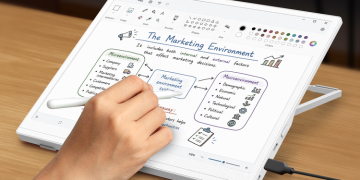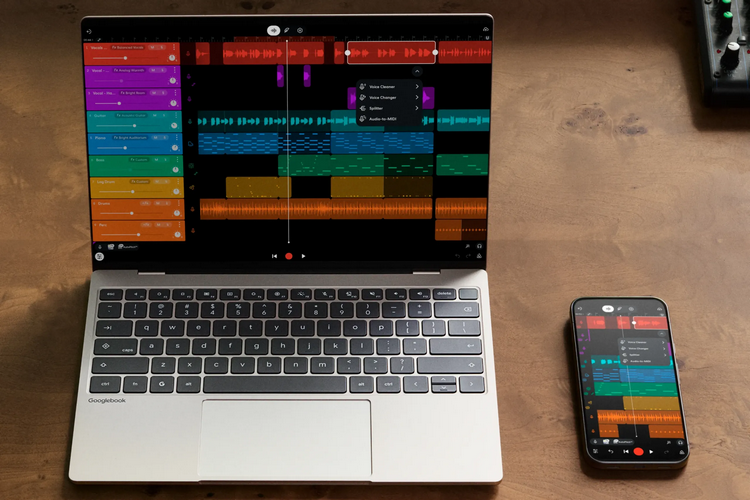
Google has finally revealed the details about its new laptop project. Called Googlebooks, the outfit isn’t making their own hardware this time around. Instead, they built out a new desktop platform that serves as the operating system for new laptops from several well-known manufacturers.
What makes it different from Chrome OS? The biggest difference is that this platform is built natively on Android technologies. That means, you don’t need to run Android apps in a virtualized layer. Instead, it runs all those Play Store apps natively in a desktop environment, so it doesn’t feel like you’re running a phone app on a giant screen.
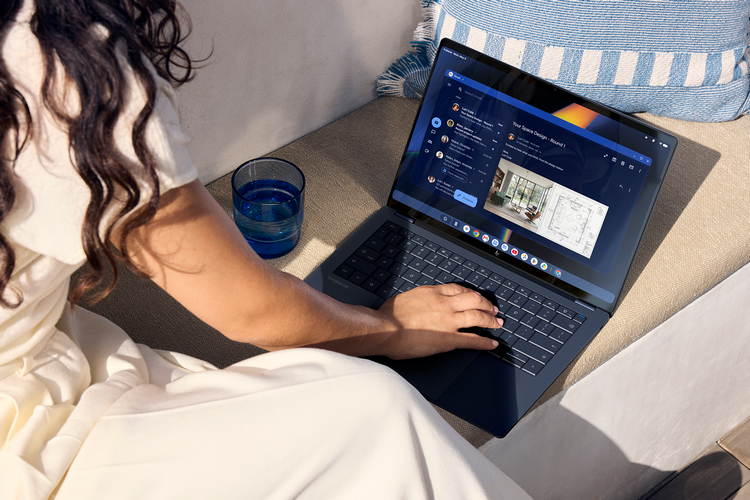
The Googlebooks platform is, basically, an attempt at creating a unified desktop and mobile experience for Android users. This is important because there’s no laptop platform that works seamlessly with Android phones, which is an issue due to how much work people can now get done on their phones while they’re on the go. Apple has long solved this by creating a more seamless experience when transitioning from your iPhone to your Mac and it looks like Google is hoping to do the same.
When logging in to a Googlebook, for instance, the system can pull all data off your phone, from saved passwords and message history to Wi-Fi networks you use and more, so it feels like a desktop extension of your mobile device. There’s also going to be a “continue on” feature on Android apps that lets the system know you want to continue what you’re working on in the desktop, with system automatically transferring all current data onto the desktop version. Obviously, features will have to be programmed, so while it will likely be available for mostly Google apps at the start, it’s something most Android apps should have going forward. Other features include storage integration (your phone’s storage is automatically seen in the desktop’s file browser system), app casting (you run an app on your phone but use it on the laptop), and more.
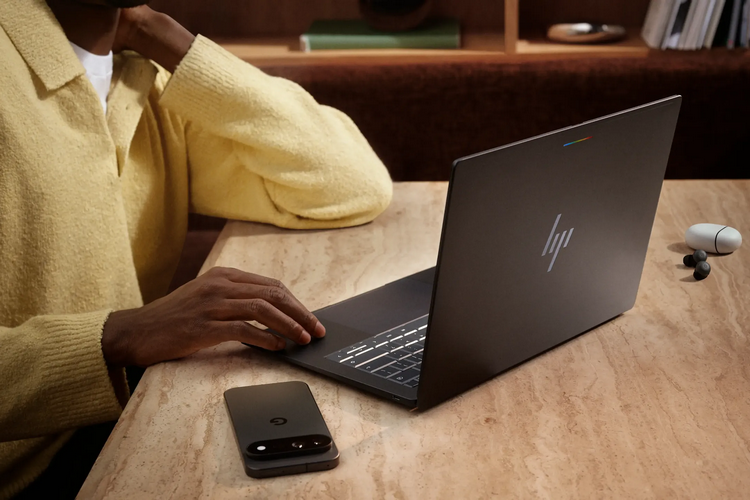
The Googlebooks UI is still similar to the Chromebook, so it should be familiar to anyone that’s used Google’s previous desktop OS. That means, you get the same app dock at the bottom of the screen, while the desktop, settings, app drawer, and more use Google’s Material 3 Expressive design language. Like all modern devices, AI plays a major part in the feature set. Central to all these is the Magic Pointer, a contextual, AI-powered cursor that you activate by simply wiggling your mouse (or pressing a shortcut on your keyboard). Once activated, you can point it at any part of the screen and Gemini automatically analyzes what you want to do, generating a list of three relevant actions you might want to take that you can choose from. Since many people still don’t like this kind of AI integration (they’re not wrong, by the way, since a lot of it is bad), Google has allowed users to not just adjust the sensitivity of the gesture, but there’s even an option to turn it off entirely.


As of now, there are five different laptop models for users to choose from, one each from Acer, Asus, Dell, HP, and Lenovo. All five get 16GB of RAM and 256GB of storage, with options to expand up to 32GB/512GB, as well as a minimum battery life of 14 hours of video playback. The laptops are available with Intel or Snapdragon X Elitechips, depending on the model you choose.
Learn more about Googlebooks directly from Google’s website.