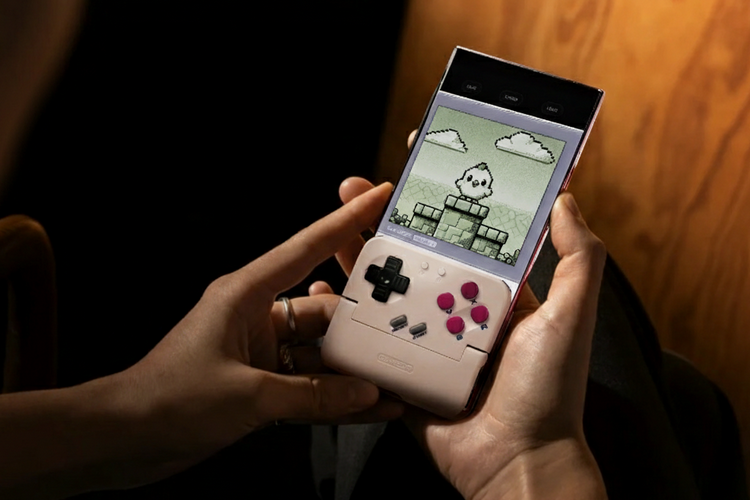
A taco you can put in your pocket for those times you need a snack sounds like a blessing from the heavens. Unfortunately, that’s not what the GameSir Pocket Taco is. Instead, it’s a mobile gamepad that turns your smartphone into a veritable Game Boy.
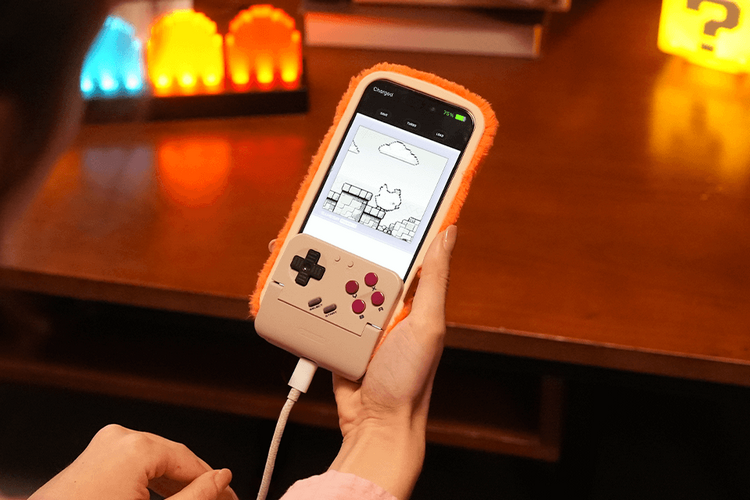
That’s right, it’s a Bluetooth mobile controller that you can use to add tactile button controls to your smartphone gaming. Except, this one takes on the classic Game Boy layout, allowing you to relive the good, old days of playing on the popular Nintendo handheld.
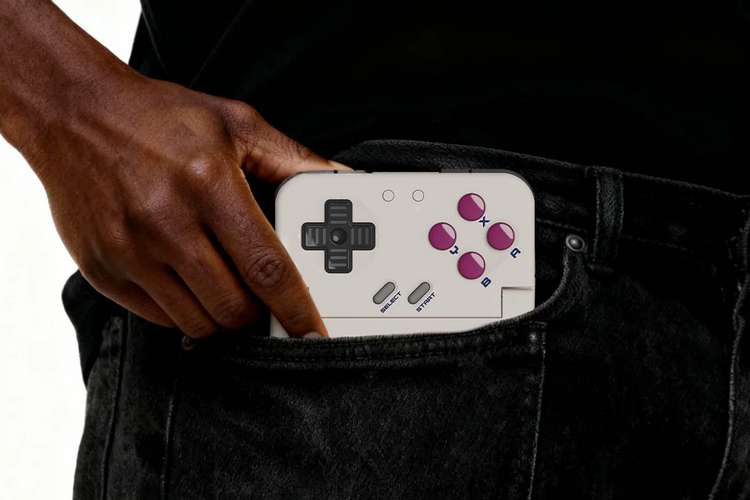
The GameSir Pocket Taco is a compact controller that measures 3.1 x 2.8 x 0.8 inches (width x height x thickness) and weighs 0.14 pounds. Yes, that sounds like it barely fits in most pockets, but it should slip in well enough, provided you’re willing to put up with a little bulk. What you get is a clip-style gamepad with front and rear panels. To use it, you place the smartphone in between the front and rear sections, with the device essentially clamping it in place to keep it from slipping. Once secured, it should let you play classic Game Boy titles with similar controls to the original, while also being usable for other vertically-oriented games that won’t require the entirety of your screen (since the bottom third is covered by the gamepad).
It recreates the button layout of the original Game Boy, so you get a four-way D-pad on the left side, four action buttons on the right, and a bunch of smaller system buttons. They also add shoulder bumpers and triggers along the top of the rear panel, so it should feel plenty modern for those times you’re using it with newer titles. It uses fast, tactile switches for the triggers and bumpers, with cushioned membrane switches for the D-pad and buttons, so it’s in line with many affordable modern controllers. According to the outfit, it supports the Turbo function (which you can activate on the GameSir app) on all the action buttons, bumpers, and triggers.
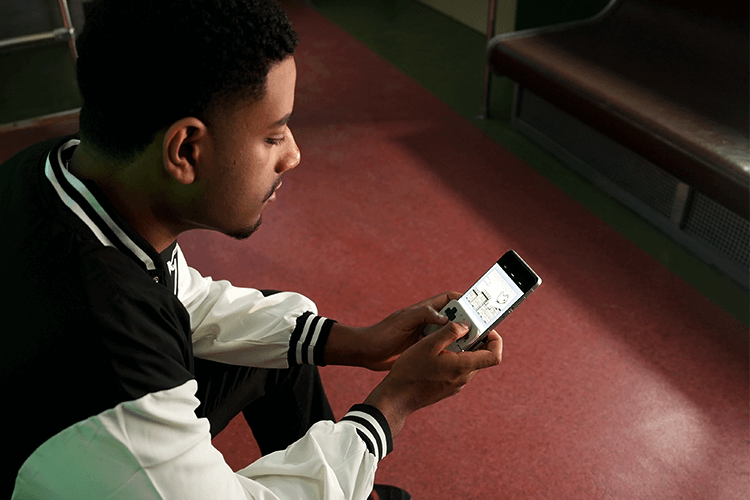
The GameSir Pocket Taco automatically powers on and off, turning on when you put a phone in and turning off when you take it out. It also has a hole in the bottom between the front and rear panels, allowing you to charge your smartphone even while playing. Inside, by the way, it has silicone pad walls to ensure your phone never gets scratched during heavy action, so you never have to worry about damaging your device.

Do note, this gamepad is only compatible with Android, so iPhone users will need to look elsewhere to turn their smartphones into retro Game Boys (maybe 8BitDo’s upcoming one). According to the outfit, the gamepad comes with a keyboard mode that lets you remap all the buttons, in case you want to fiddle with controls to maximize your dominion over whatever game you’re geeking out over. The gamepad is equipped with a 600mAh battery. Sadly, there’s no exact rating, but the outfit claims it will let you play for “hours without interruption.”
The GameSir Pocket Taco is currently available for preorder with a March ship date. Price is $34.99.