Using a mouse and keyboard is simple enough. You use the mouse for navigation and the keyboard for everything else. It’s a straightforward function. The Arctic Fox Super Mouse, however, wants to offload some of those commonly-used keyboard functions to the mouse instead.
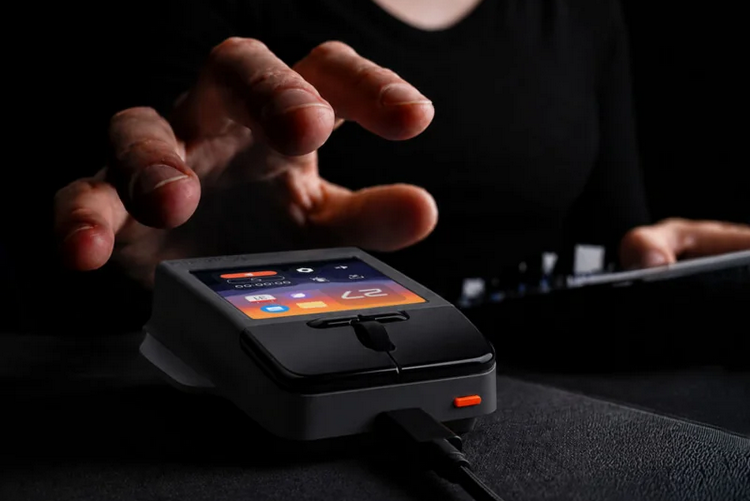
Like any mouse, you can use it to control the position of the onscreen cursor, while letting you click on buttons, windows, and whatever else. Unlike them, it comes with a touchscreen display that can hold up to 16 shortcuts at a time, while allowing you to type on a virtual keyboard one-handed similar to a smartphone. It’s a veritable Stream Deck on a mouse with some extra functions, too.
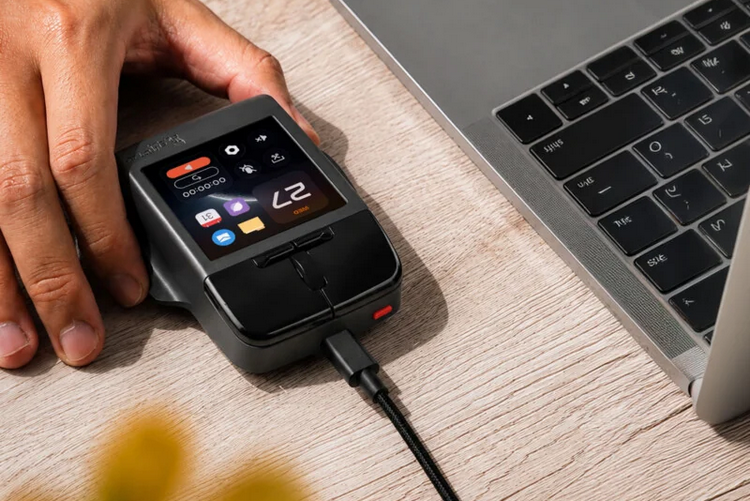
The Arctic Fox Super Mouse is a boxy-looking peripheral that’s a far cry from the ergonomically-shaped curvy mouse designs ones we typically see. It has the typical mouse controls, such as the left and right clickers, as well as a scroll bar between them. They also throw in a pair of tiny customizable buttons below the scroll bar for any functions you want to put inside tactile controls. No word on the kind of sensor it uses, but it doesn’t sound like it’s aimed at gamers, so expect a pretty standard optical sensor. It’s a wired mouse, by the way, with an included USB-C cable that allows it to transfer data and draw power from whatever computer it’s hooked up to.
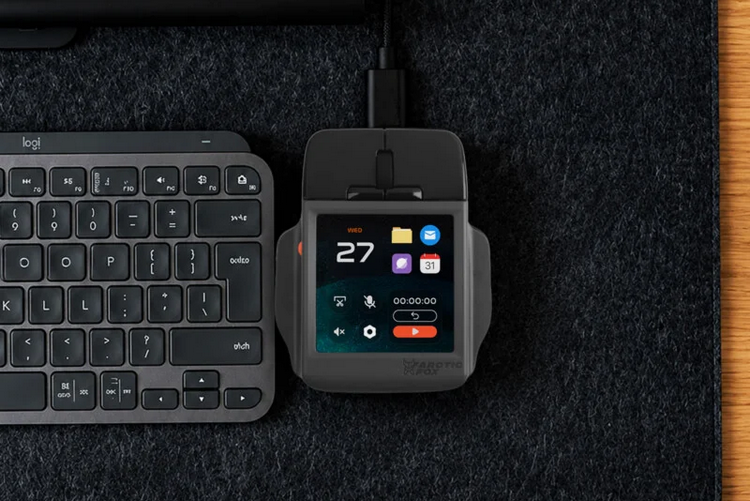
Of course, what sets this mouse apart is the 3.1-inch touchscreen display on top, which just never see on a mouse. It’s a full color LCD, too, complete with 720 x 720 resolution, so the UI is plenty sharp and detailed. What would you do with a screen on a mouse? The main use appears to be as a quick way to access shortcuts, which can be displayed as icons on the screen, with the layout allowing you to display up to 16 of them at a time.
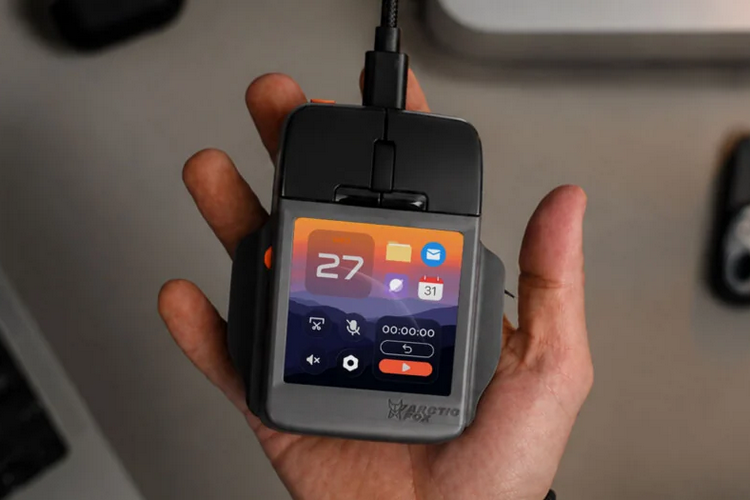
The Arctic Fox Super Mouse doesn’t just let you have 16 shortcuts on the screen, it also switches the page of shortcuts every time you use a new app. That’s right, you can assign different sets of shortcuts for each app you use, so you can have custom one-tap actions readily available whether you’re using an image editor, a 3D modeling software, or a spreadsheet program. The screen can also display a keyboard, so you can use it to type one-handed, as well as a trackpad function for whatever joy that brings you way. We don’t know if they have a numpad keyboard software on there, but that seems like a handy feature that some people will find useful.
The mouse, by the way, has a built-in microphone that you can use to dictate instead of type, with support for over 90 languages right out of the box. The voice to text, by the way, is processed on the PC using the companion app (available on Windows and macOS), so you won’t get your mouse scorching hot trying to run an AI conversion function. They even threw in a gyro sensor, which programmable function, so you can assign actions to different tilting and twisting movements.
A Kickstarter campaign is currently running for the Arctic Fox Super Mouse. You can reserve a unit for pledges starting at $199.