If you’ve used a ThinkPad (or even just the ThinkPad Keyboard) any time in the last 30 years, then you’re familiar with the Trackpoint, that iconic red dot that’s been a fixture on the line since IBM first introduced it in 1992. Some people actually never use it. Others find it indispensable. If you’re among the latter, then you just might be interested in the Ploopy Bean Pointing Stick, which puts the classic Trackpoint in a portable peripheral.
Designed to let you use a Trackpoint with any computer, the device is, basically, a mouse. Instead of using a laser to let you control the onscreen pointer, though, you use the tiny red nub, allowing you to work on your MacBook, desktop, or Chromebook using a classic control straight out of a Thinkpad laptop.
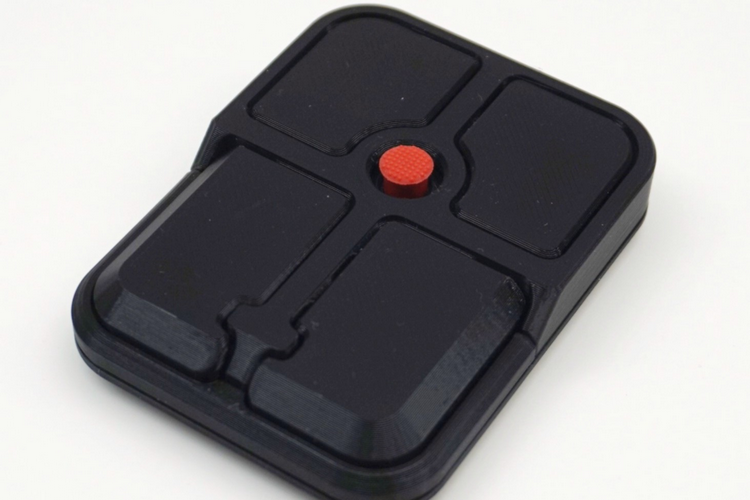
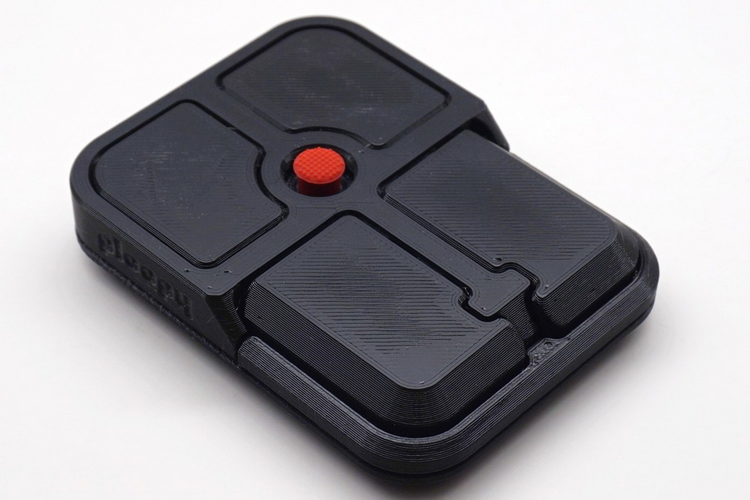
The Ploopy Bean Pointing Stick is a computer peripheral that the outfit describes as a “pointing stick mouse.” We guess it’s as good a name as any, especially since we doubt they can call it a Trackpoint mouse without getting a license from Lenovo. The entire enclosure is 3D-printed, by the way, so this isn’t a mass-produced consumer electronics product. It’s open-source, too, so you can just download the 3D designs and print them yourself, then purchase the same electronic components used here and assemble everything together, in case you to like to DIY your own computing accessories.
It works much like the original Trackpoint, allowing you to navigate around the screen by simply applying pressure to it towards the direction you want the cursor to go. The nub itself doesn’t actually move, so you don’t get any expressive tactile feedback, but you should easily see how it’s responding by looking at the pointer moving onscreen. Will this create the same experience as a Thinkpad? As far as pointer control, sure. However, one of the big draws of the Trackpoint is that it lets you move the pointer without taking both your hands off the keyboard, which you won’t be able do here, so it’s very different in that regard.
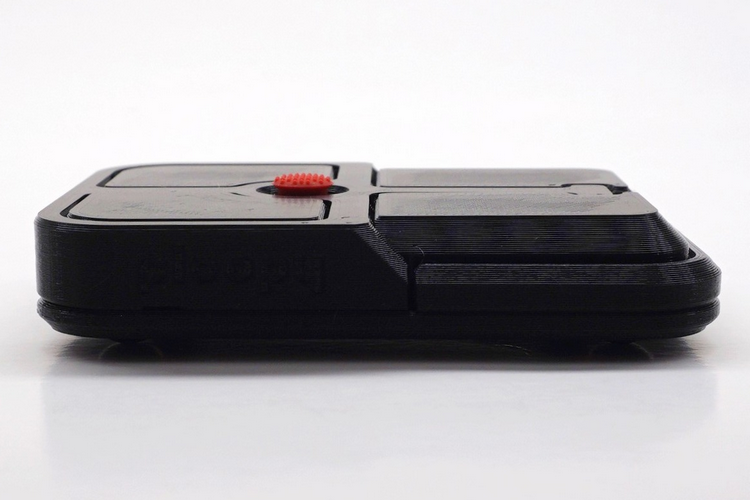
The Ploopy Bean Pointing Stick’s Trackpoint-style nub is surrounded by four buttons, so you can assign your left and right clicks, along with any other functions you want to offload to the accessory. The buttons are printed, though, so you’ll have to purchase them yourself, in case you’re building your own. Specifically, the 3D-printed parts have been modeled to accommodate a quartet of Omron D2LS-21 buttons, so you’ll have to get those or other buttons that are very similar. There’s also a PCB inside for the Trackpoint control, although we don’t know if it’s custom or off-the-shelf. Other off-the-shelf parts include a crew, a magnet, four friction pads, and one friction nub.
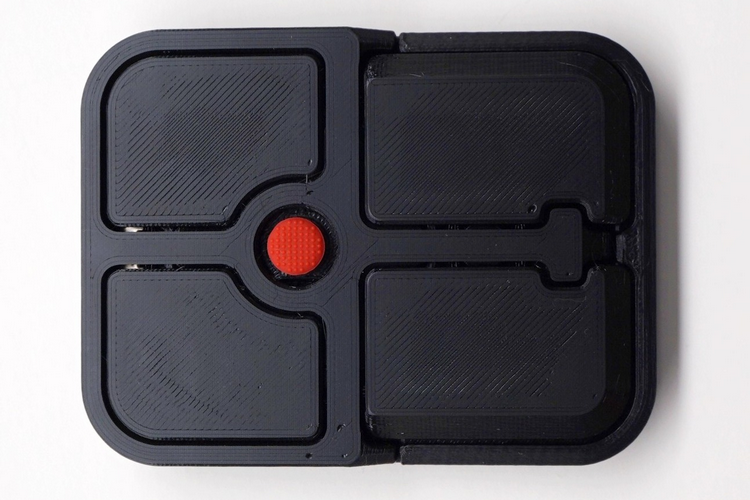
The device needs to be plugged in to a PC using a USB-C to USB-A cable, by the way, so this is not a wireless accessory. According to the outfit, it comes with their own version of QMK firmware preloaded, although they do have a guide for installing your own firmware linked directly on the product page. It measures 3.3 x 2.5 x 0.6 inches and weighs 1.1 pounds.
The Ploopy Bean Pointing Stick is available now, priced at CAD $69.99.