While we’ve always been partial to traditional optical wireless mouse designs that you physically move on top of a mousepad, there are people out there who prefer alternative ways of navigating their way across a computer’s UI. If you’re a trackball faithful, for instance, you’ll definitely be interested in the new Kensington Expert Mouse TB800.
No, it doesn’t look like a relic from the 80s. Modern trackball mouse designs have progressed pretty significantly from several years ago. This one, in particular, is a Red Dot awardee for 2025, having been cited for its combination of functional design, stunning aesthetics, and innovative features. Suffice to say, this is a trackball mouse fit for a contemporary workspace.
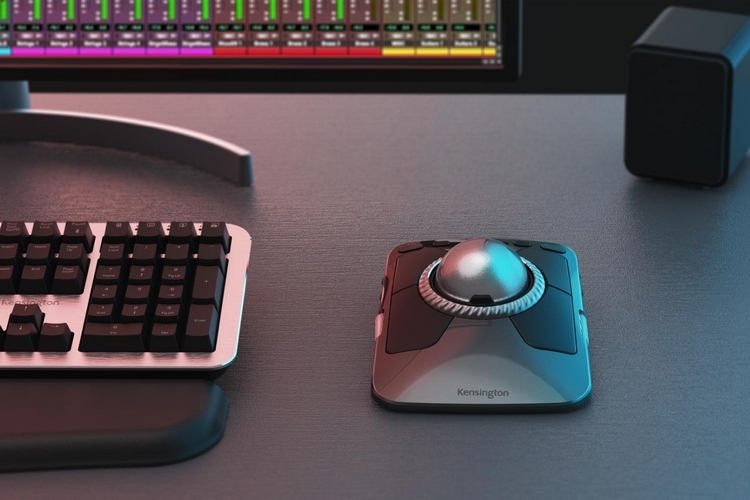
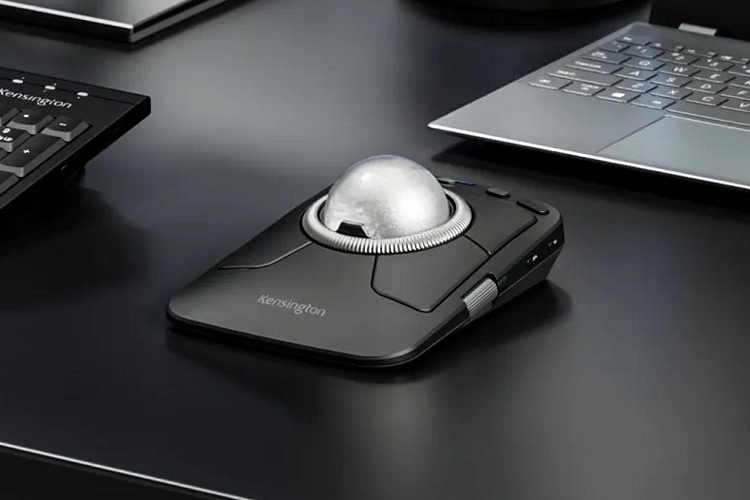
The Kensington Expert Mouse TB800 takes a on a slim design that looks so much more suited right next to the svelte profile of many modern laptops. monitors, and computing peripherals. Sitting on top is a large 55mm optical trackball that boasts highly-accurate and responsive tracking, all while requiring minimal hand and wrist movement. While other trackballs require you to rotate the ball for scrolling, this one comes with a scroll ring around the trackball that you can turn clockwise and counter-clockwise to move up and down long lists, complete with the ability to quickly toggle between smooth scrolling or line-by-line, depending on what you need.
They also added two scroll wheels on either side. You can use one for horizontal scrolling during those times you’re poring over Excel sheets with hundreds of columns, while the other can be used for zooming in and out, which can prove really useful for creatives who work with plenty of video, audio, and graphics. Switches on the underside of the mouse let you turn off any of three scrolling options if you don’t want them. Truth be told, though, we’d really appreciate having those side scroll wheels on most productivity and gaming mouse designs alike.
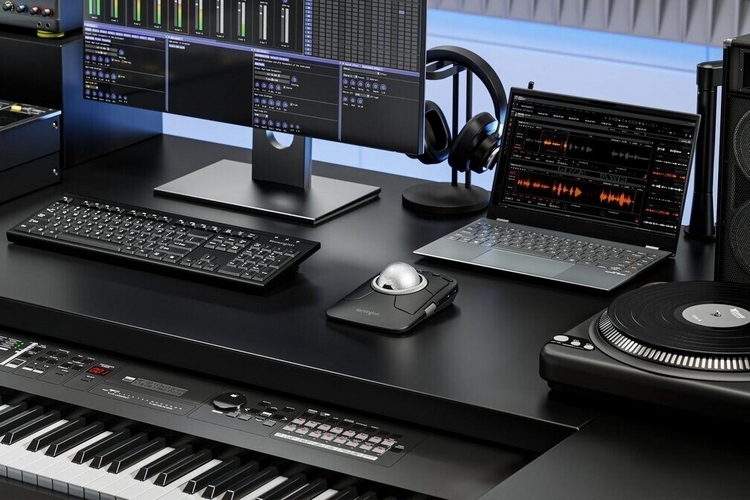
The Kensington Expert Mouse TB800 comes with four large buttons surrounding the trackball, each of which can be programmed using the companion software (Windows and macOS). Two should be pre-programmed for left and right click, respectively, although we’re not sure what the preset functions for the other two will be. There are also four additional smaller programmable buttons along the top, which are set to be used as media playback controls out of the box. The mouse also includes a longer and wider front section, which, we guess, is meant to serve as a built-in wrist rest for more comfortable use.

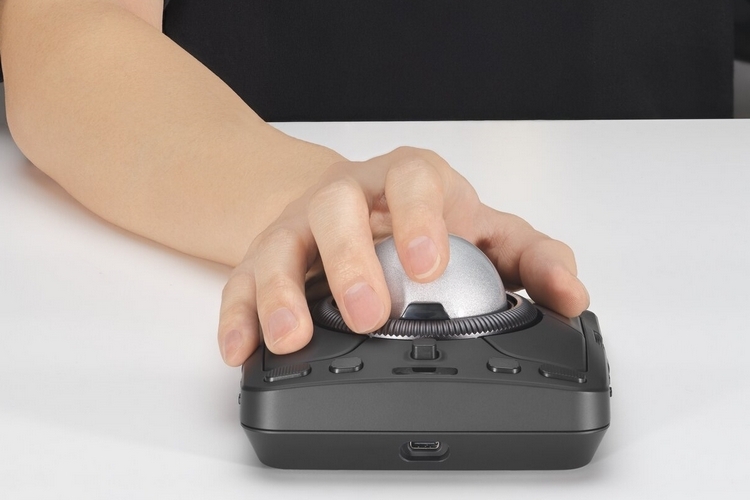
The mouse comes with a 2.4GHz dongle for wireless use, although it also has built-in Bluetooth, with support for up to two active connections at once. Additionally, you can plug in a USB-C cable for a wired connection, with the mouse able to support up to four active connections at a time (just program one of the buttons to switch among them). Other features include an ambidextrous design that supports even larger hands, a rechargeable battery rated for up to four months of moderate use between charges, and a polling rate of 1kHz on both wired and 2.4GHz dongle connections.
The Kensington Expert Mouse TB800 comes out later in the year, priced at $129.99.