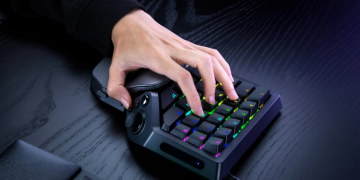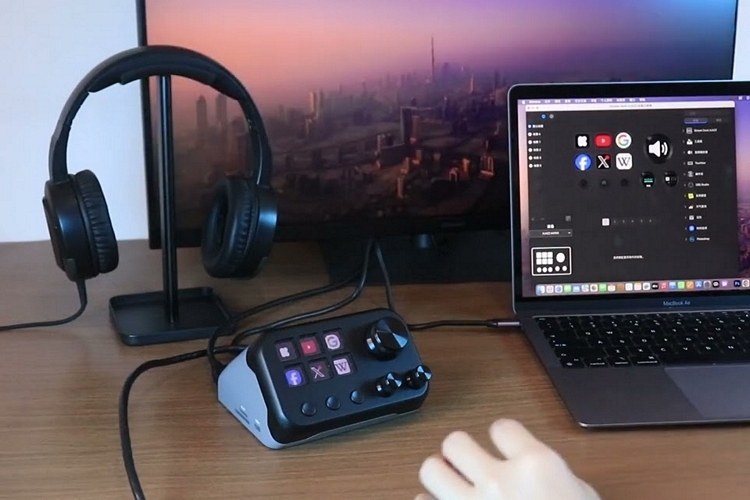
Desktop control panels like the Steam Deck have become really popular in recent years, as they give people easy access to a rich set of shortcuts without requiring you to memorize complex keyboard combinations. As such, many companies have been iterating on the features for these control panels, integrating them with knobs, sliders, and all sorts of other controls. The MacroDock M1 is a new desktop control panel that also pulls double duty as a handy docking station for laptops and desktops alike.
That’s right, this device combines a desktop control panel and docking station in one, allowing you to get the functionality of two popular computer accessories on a single box. Granted, it neither has the most controls nor the most ports, but it strikes a good balance of both that makes it a viable space-saving alternative compared to having standalone peripherals of each type.
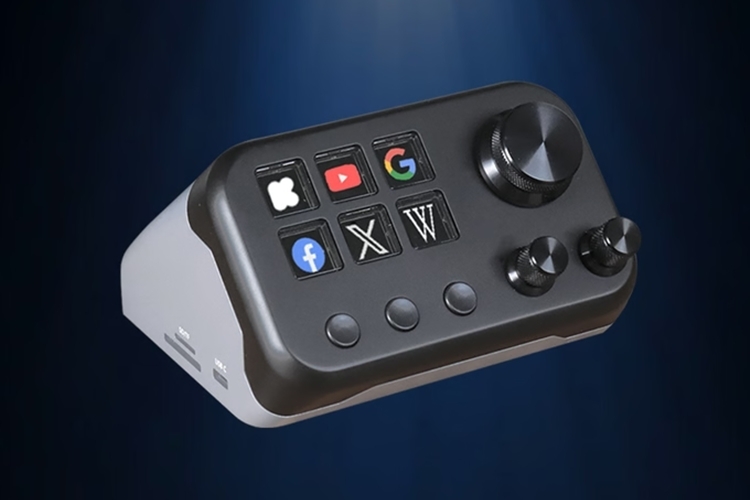
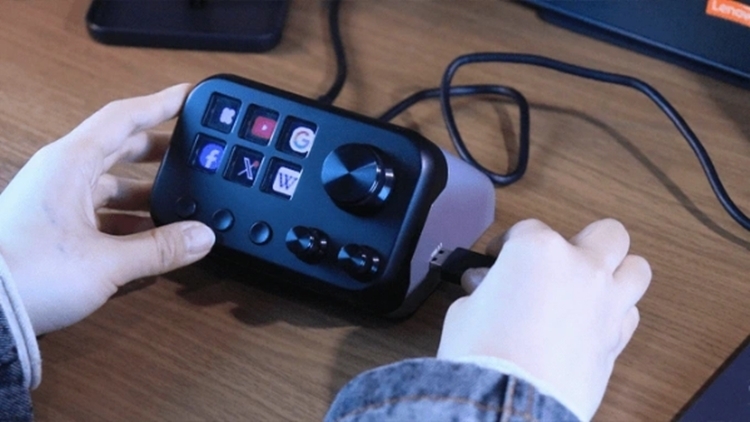
The MacroDock M1 has six shortcut buttons with integrated LCD panels, allowing you to digitally customize whatever logos or icons are displayed for each control, so it’s easy to know what each shortcut’s meant to do at a glance. It also gets three navigation buttons (Prev, Home, and Next), which you can use to cycle through the active sets of shortcuts currently available on the device. According to the outfit, you can have up to 36 active shortcuts at a time, so it puts a generous amount of functions within a tap or two. It comes with a desktop software (Windows and MacOS) that you can use to define and modify the different groups of shortcuts you want to have active at any time.
The shortcuts aren’t just for launching apps and doing Windows macros, by the way, as the software also has over 200 plugins that allow it to interface with a variety of popular software titles and online services, so you can map the shortcuts for everything from OBS and Discord to Photoshop and more. They also promise to add more plugins going forward, so it should become even more useful over time. Aside from the buttons, the front panel also has three dials (one large, two small), which you can also link to various functions for more granular control in a variety of apps, whether it be adjusting color temperature, changing brush sizes, or moving through a video editing timeline.
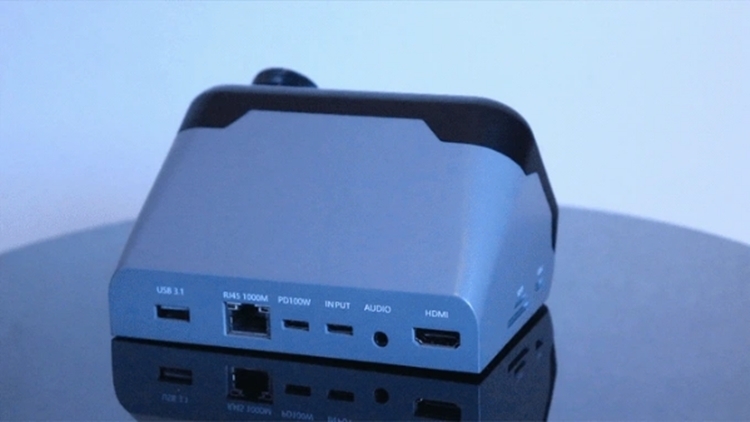
The MacroDock M1 puts the accessory ports along the sides and the back, so they don’t interfere with the control panel functions. On one side, you get two memory card slots (one SD and one TF) and a USB-C slot, while the other side hosts a single USB 3.1 slot. Around the back, you get another USB 3.1 port, a 2.5Gbps Ethernet slot, a 100W USB-C PD port, an HDMI slot that supports 8K/30fps, and a 3.5mm port for your wired headphones. The back also hosts the USB-C input slot for connecting the accessory to your desktop or laptop. It comes with a silicone pad at the base for grip and stability.
A Kickstarter campaign is currently running for the MacroDock M1. You can reserve a unit for pledges starting at $109.